12 Best Free Accounting Software for Nonprofits in 2025
Jun 26, 2023
For any nonprofit, good stewardship isn't just a goal; it's a fundamental requirement. Managing donations, grants, and operational expenses with absolute transparency is crucial for maintaining trust with supporters and ensuring your mission remains the central focus. However, tight budgets often place expensive, enterprise-level software completely out of reach, leaving many organizations struggling with spreadsheets or inadequate tools.
The good news is that a growing number of powerful accounting platforms offer robust, free-forever plans. The challenge lies in identifying which ones are truly suitable for a nonprofit's unique financial structure. Many generic business tools lack the specific features you need, like proper fund accounting, restricted donation management, and donor-friendly reporting. This guide is designed to cut through that noise and provide clarity.
We deliver an honest, in-depth analysis of the best free accounting software for nonprofits, evaluating each option on the features that matter most to your organization. Inside, you'll find:
Detailed reviews of top free platforms like Wave, Zoho Books, and GnuCash.
Feature-by-feature comparisons, focusing on fund accounting capabilities, reporting, and integrations.
An honest look at the limitations of each free tier so you know exactly what you're getting.
Practical use cases to help you visualize how each tool would fit your specific operational needs.
We'll help you determine when a free tool is a perfect fit for your budget and when the complexity of your finances indicates it’s time to consider a purpose-built nonprofit solution. Each review includes screenshots and direct links, empowering you to make a confident, informed decision for your organization's financial health.
1. Wave Accounting
Wave Accounting has long been a go-to for small businesses and freelancers, and its free model makes it a viable entry point for very small nonprofits. Its strength lies in offering genuinely free core accounting features, including unlimited invoicing, expense tracking, and basic financial reporting without a monthly subscription fee. This makes it one of the best free accounting software for nonprofits just starting out or those with extremely simple financial structures.
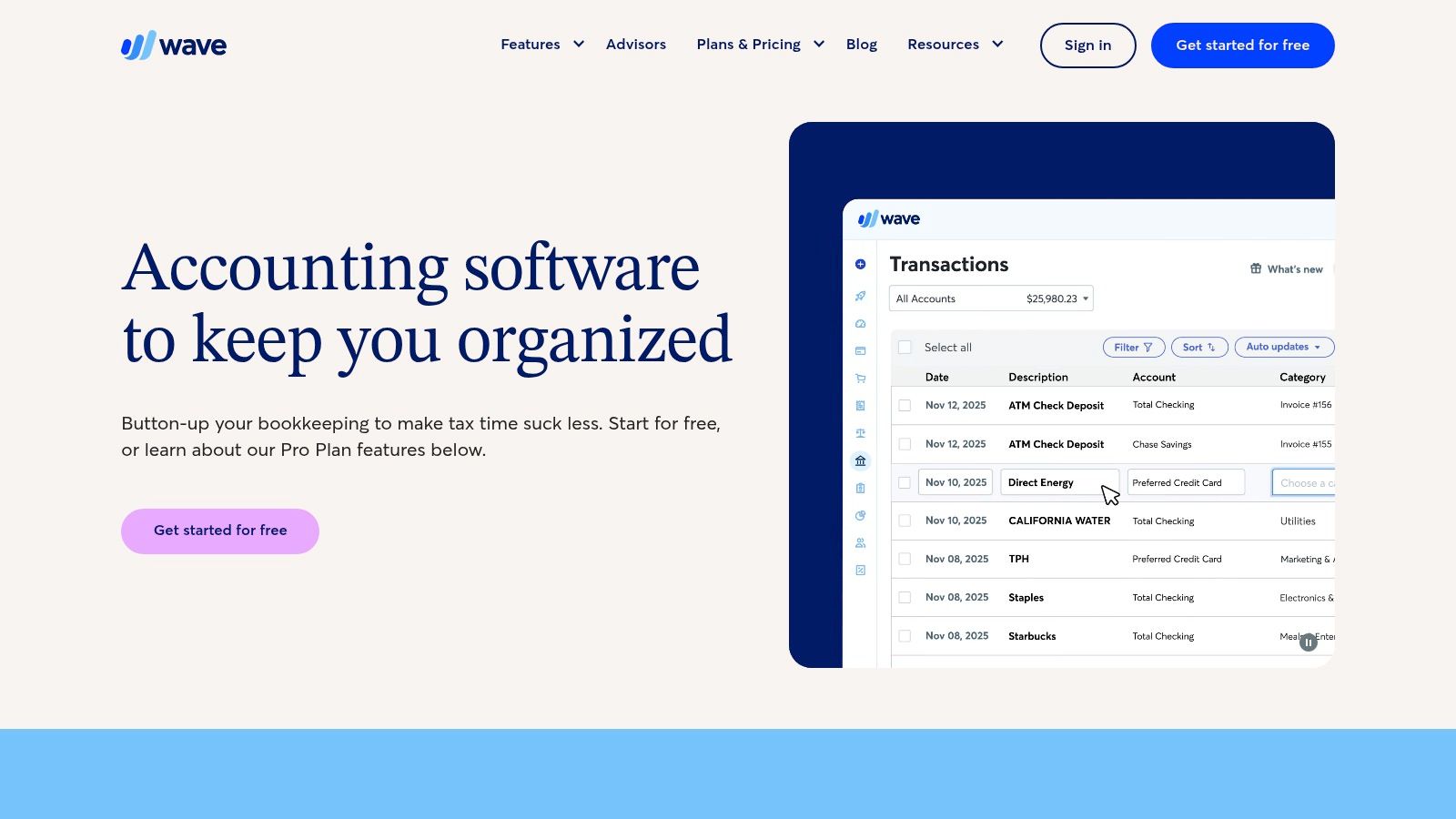
The platform is designed for standard for-profit bookkeeping, meaning it lacks native fund accounting. However, a small nonprofit can work around this by using the chart of accounts to create separate equity accounts for each restricted fund. While this method requires manual tracking and is not ideal for organizations with complex funding, it can be a manageable starting point.
Key Features & Limitations
Cost: The core accounting software is completely free. Wave makes money through optional paid services like Wave Payments (transaction fees apply) and Payroll.
Best For: Small, US-based nonprofits with simple finances that don't need formal fund accounting or have the know-how to create a workaround.
Fund Accounting: No native fund accounting features. Requires manual workarounds using the chart of accounts, which can become cumbersome as the organization grows.
Limitations: The free "Starter" plan requires manual bank transaction uploads. Automatic bank feeds, user permissions, and priority support are only available on the paid "Pro" plan.
For a deeper analysis of how Wave's features stack up against other nonprofit options, you can see a detailed comparison in this guide on the best accounting software for nonprofit organizations.
Website: https://www.waveapps.com/accounting
2. Zoho Books
Zoho Books offers a surprisingly robust, full-featured accounting suite with a permanently free plan for organizations below a certain revenue threshold. This makes it an excellent choice for new and growing nonprofits looking for a scalable solution. Its comprehensive toolset, which goes beyond simple bookkeeping, provides one of the most powerful options among the best free accounting software for nonprofits, rivaling many paid platforms in core functionality.
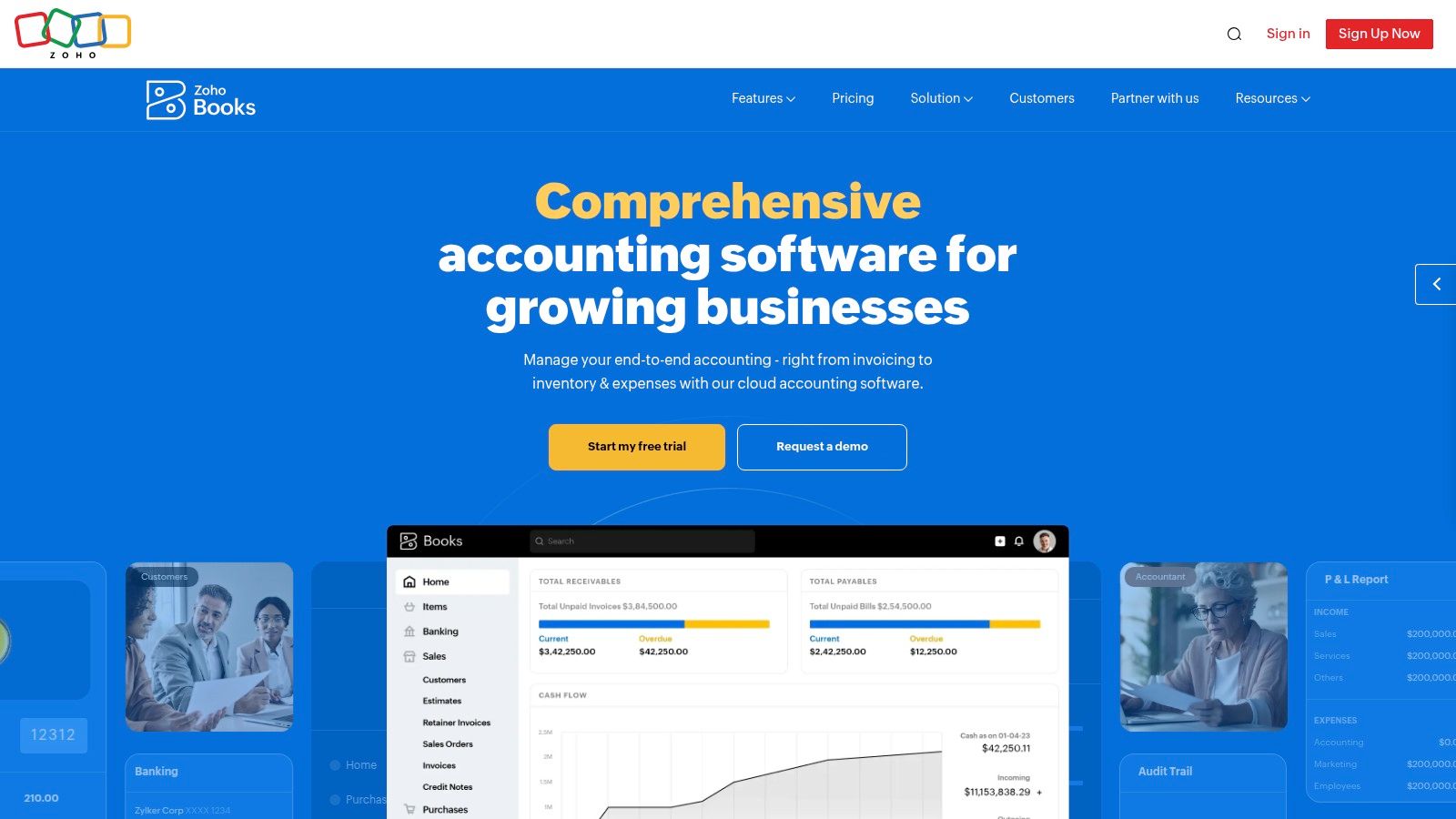
While Zoho Books is built for commercial businesses, its strong feature set can be adapted for nonprofit use. The platform's tagging feature allows for a workaround to track different funds or grants, offering more flexibility than a simple chart of accounts modification. This approach, combined with its strong invoicing and expense management, makes it a powerful general ledger for nonprofits that can manage without dedicated fund accounting tools.
Key Features & Limitations
Cost: A completely free plan is available for organizations with annual revenue under $50,000 USD and only one user. Paid plans offer more features and higher limits.
Best For: Small nonprofits under the revenue cap that need a comprehensive feature set including client portals, payment gateway integrations, and strong mobile access.
Fund Accounting: No native fund accounting. Organizations must use workarounds like contact-level tagging or custom fields to track restricted funds, which requires diligent manual effort.
Limitations: The free plan is limited to one user, one accountant, and under 1,000 invoices per year. As the nonprofit grows in revenue or team size, upgrading to a paid plan becomes necessary.
Website: https://www.zoho.com/books/
3. ZipBooks
ZipBooks offers a cloud-based accounting solution with a free "Starter" plan that can serve the most basic needs of a new or very small nonprofit. Its primary appeal is a clean, user-friendly interface and the inclusion of unlimited invoicing and basic reporting at no cost. For organizations that need a simple way to track income and expenses and connect to one bank account, ZipBooks is a solid entry point into digital bookkeeping.
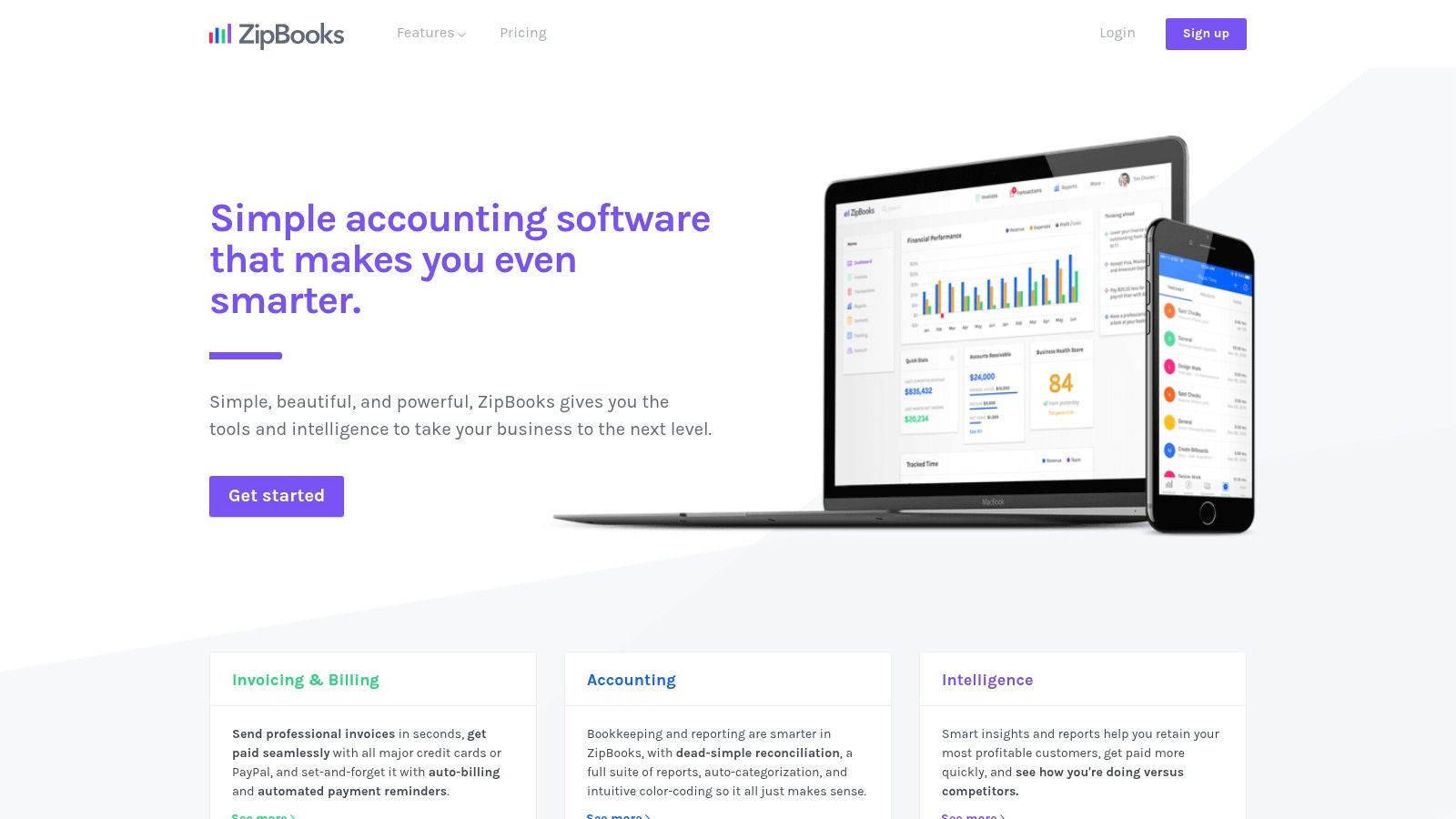
Like other standard business software, ZipBooks is not built for nonprofit finance and lacks specific fund accounting tools. A nonprofit would need to manage restricted funds by manually customizing its chart of accounts. While this is a potential workaround, it adds administrative overhead and increases the risk of error, making it unsuitable for organizations with multiple designated funds or complex grant reporting requirements. The platform's real value is its simplicity and clear upgrade path for when your needs grow.
Key Features & Limitations
Cost: The "Starter" plan is completely free and includes unlimited invoicing, expense management, and one bank connection. Paid plans add more automation and users.
Best For: Very small nonprofits or grassroots organizations that need a simple, clean system for basic bookkeeping and have minimal or no restricted funds to track.
Fund Accounting: No built-in fund accounting. Restricted funds must be tracked manually through a customized chart of accounts, which is not a scalable solution.
Limitations: The free plan is quite limited, offering only one user and one bank connection. Features like automated reminders, time tracking, and advanced reporting are locked behind paid tiers.
Website: https://zipbooks.com/
4. GnuCash
GnuCash is a mature, open-source desktop application that offers a powerful and genuinely free accounting solution. As a desktop-first platform, it gives nonprofits complete control over their financial data, operating entirely offline without recurring subscription fees. Its robust double-entry bookkeeping system provides a solid foundation for financial management, making it one of the best free accounting software for nonprofits that prioritize data ownership and are comfortable managing local software.
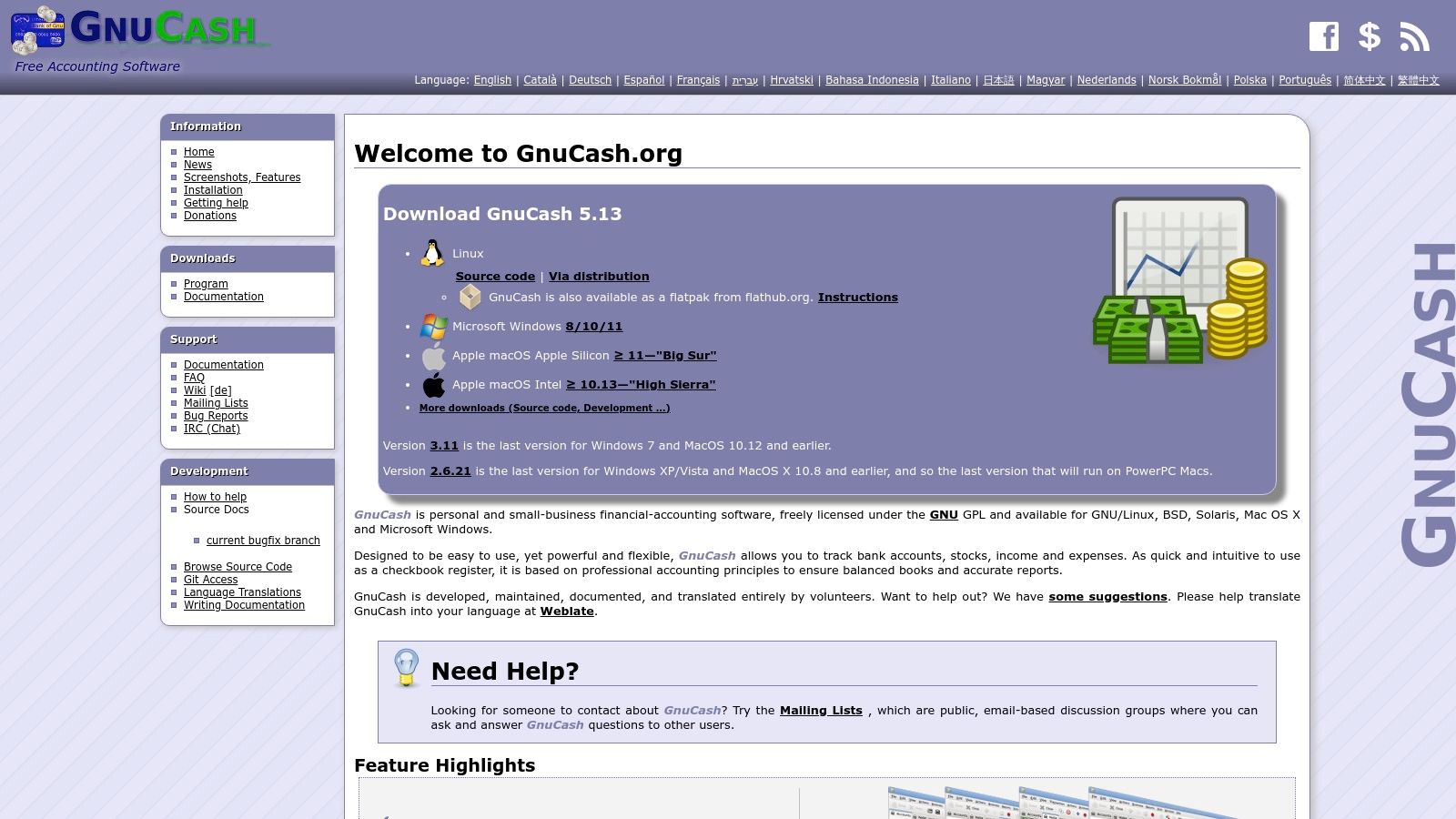
While GnuCash is designed for small businesses, its flexible chart of accounts can be adapted for nonprofit needs. Users can manually set up equity sub-accounts to track restricted and unrestricted funds, a method suitable for organizations with a limited number of designated funds. The software's strength lies in its comprehensive reporting, invoicing, and bank transaction import (QIF/OFX) capabilities, all available without cost.
Key Features & Limitations
Cost: The software is completely free to download and use under the GNU General Public License (GPL). There are no fees or paid tiers.
Best For: Tech-savvy nonprofits that want full data control, prefer offline desktop software, and have the accounting knowledge to configure a chart of accounts for their needs.
Fund Accounting: Lacks native fund accounting templates. Requires manual setup and diligent management of equity accounts to track restricted funds, which can be prone to error.
Limitations: Being desktop-only, it lacks the real-time collaboration and remote access of cloud-based platforms. The user interface is less modern, and setup requires more technical expertise than mainstream SaaS products.
Website: https://www.gnucash.org/
5. Akaunting
Akaunting offers a unique proposition as a free, open-source accounting platform. This makes it an intriguing option for tech-savvy nonprofits prioritizing data control and customization. The core software is genuinely free if you have the technical ability to download and host it on your own server, giving you complete ownership over your financial data without ongoing subscription costs.
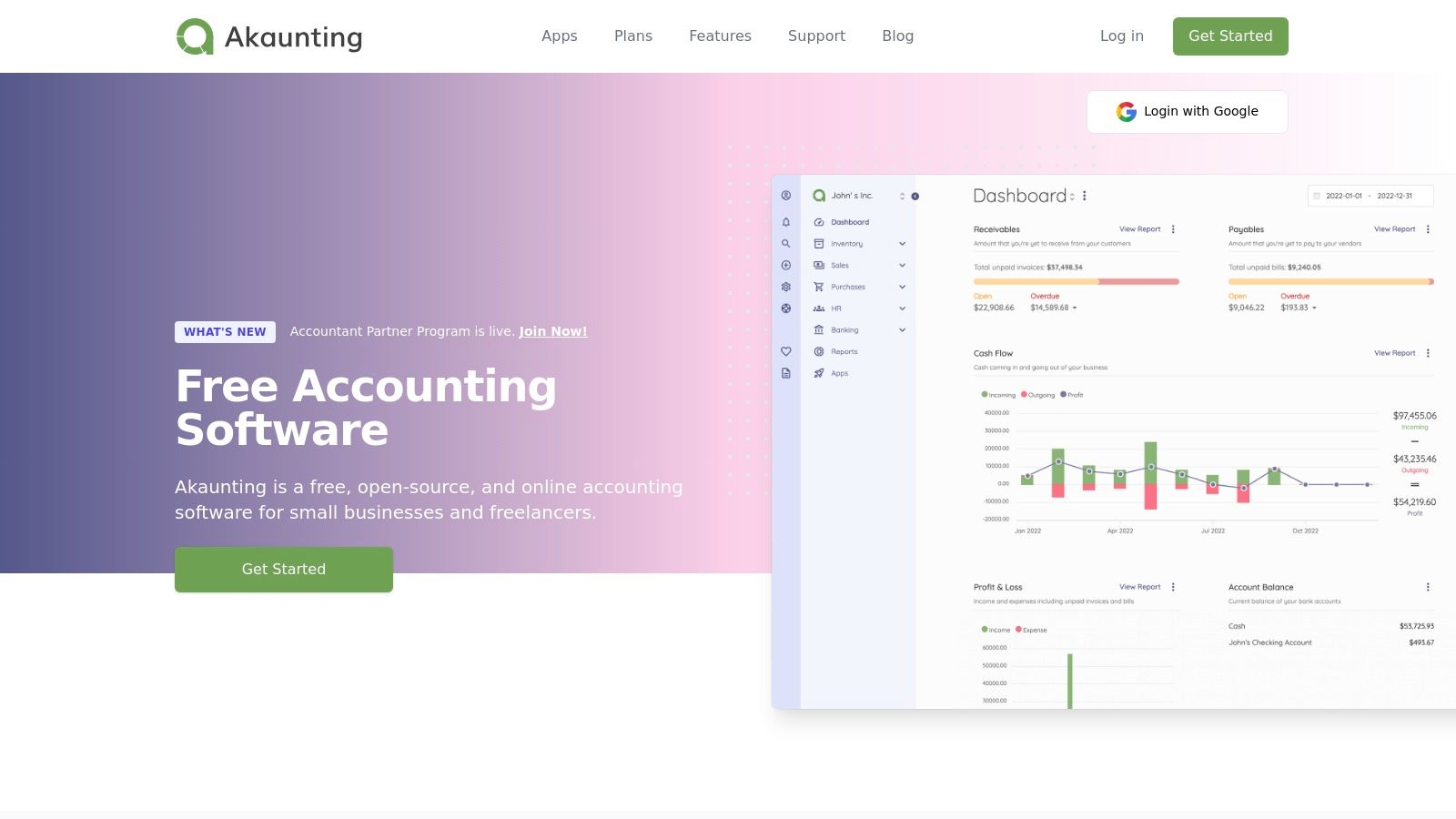
The platform is built on a modular system, with core features for invoicing, expense tracking, and banking. Its real power for nonprofits lies in its app marketplace, which allows you to add specific functionalities. While many advanced apps are paid, this model lets you build a semi-custom system, adding only what you need. A paid cloud-hosted version is also available for those who prefer to avoid the complexities of self-hosting.
Key Features & Limitations
Cost: The self-hosted version is completely free. Costs arise from optional paid apps (for features like advanced reporting or double-entry) or the paid cloud-hosting subscription.
Best For: Nonprofits with in-house IT expertise or a dedicated technical volunteer who can manage self-hosting and software updates. It's ideal for those who value data privacy and customizability.
Fund Accounting: Lacks native fund accounting. This functionality requires customization or purchasing specific apps from the marketplace. Nonprofits can create a basic workaround by carefully structuring their chart of accounts for nonprofits.
Limitations: The primary barrier is the technical knowledge required for setup and maintenance. The free version relies on community support, and critical nonprofit features like grant management and fund accounting are not included out-of-the-box and typically require paid add-ons.
Website: https://akaunting.com/
6. Manager.io
Manager.io stands out with its powerful, free-forever desktop application that offers a comprehensive suite of accounting tools. For nonprofits that prefer to keep their financial data on a local machine and avoid recurring subscription fees, this platform is an excellent choice. Its strength is providing a full-featured accounting system, including a general ledger, fixed asset management, and accounts payable/receivable, completely free for single-user desktop use.
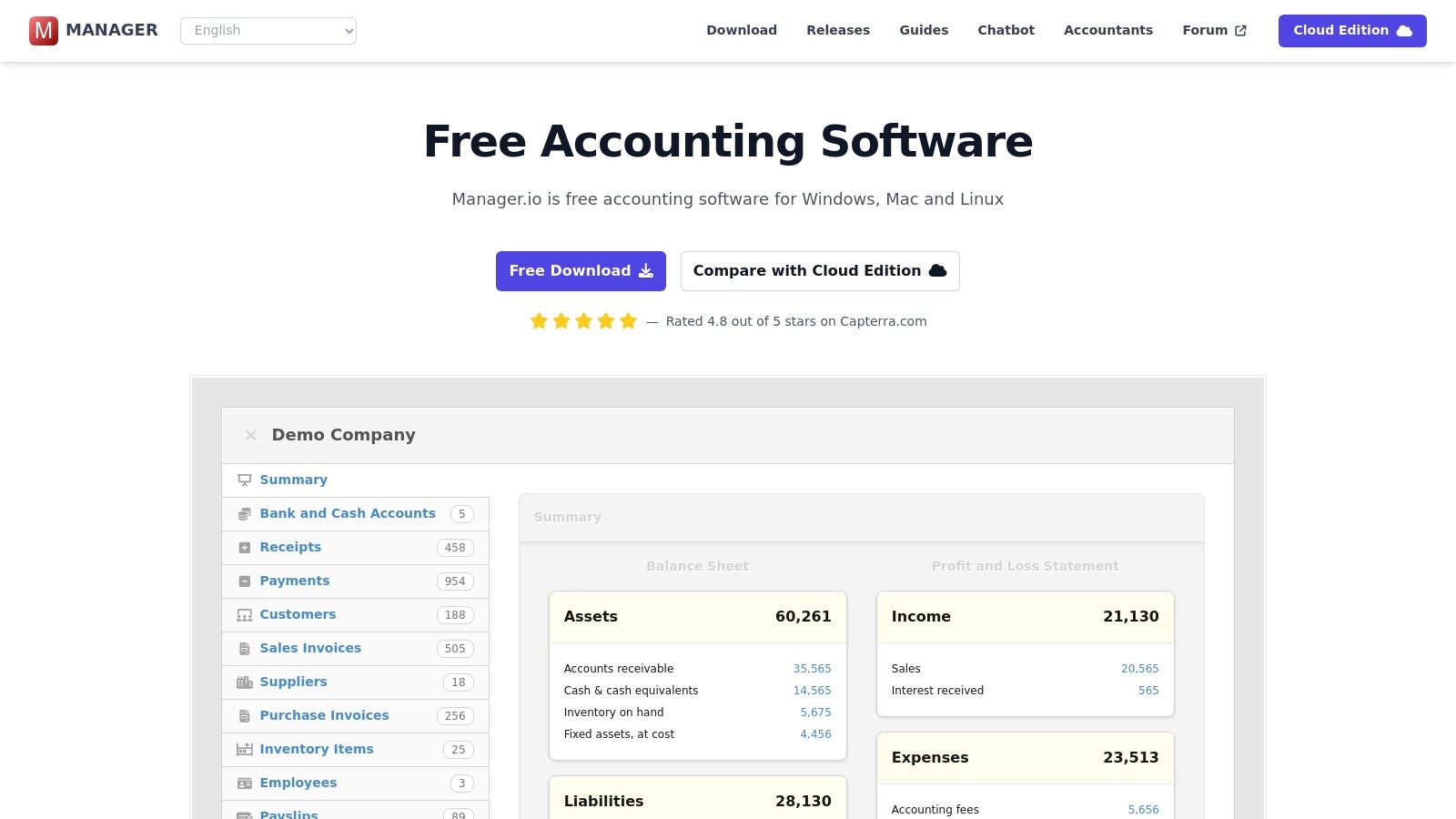
While the software is designed for general business accounting, its customizable chart of accounts allows for workarounds to track separate funds, similar to other non-specialized tools. The desktop version works offline, a significant advantage for organizations with unreliable internet access. As the nonprofit grows, Manager.io offers a smooth transition to its paid cloud and server editions, which add multi-user access and remote capabilities. This makes it one of the more scalable options on the list of best free accounting software for nonprofits.
Key Features & Limitations
Cost: The full-featured desktop edition is completely free for a single user. Paid cloud and server editions are available for multi-user and remote access needs.
Best For: Nonprofits that want a robust, offline-capable desktop accounting solution without subscription costs and have a clear upgrade path if they grow.
Fund Accounting: Lacks native fund accounting. Organizations must manually create and manage restricted funds using the chart of accounts and tracking codes, which requires careful bookkeeping.
Limitations: The free desktop version does not include automatic backups or multi-user access; these features are reserved for the paid editions. It is not purpose-built for nonprofit compliance.
Website: https://www.manager.io/
7. NCH Express Accounts
NCH Express Accounts is a long-standing desktop accounting program that offers a free version for small organizations. Its appeal lies in its straightforward, traditional approach to bookkeeping, providing a downloadable software that works offline on both Windows and macOS. For nonprofits wary of cloud-based systems or those needing a simple, no-frills tool for basic financial management, it presents a functional option.
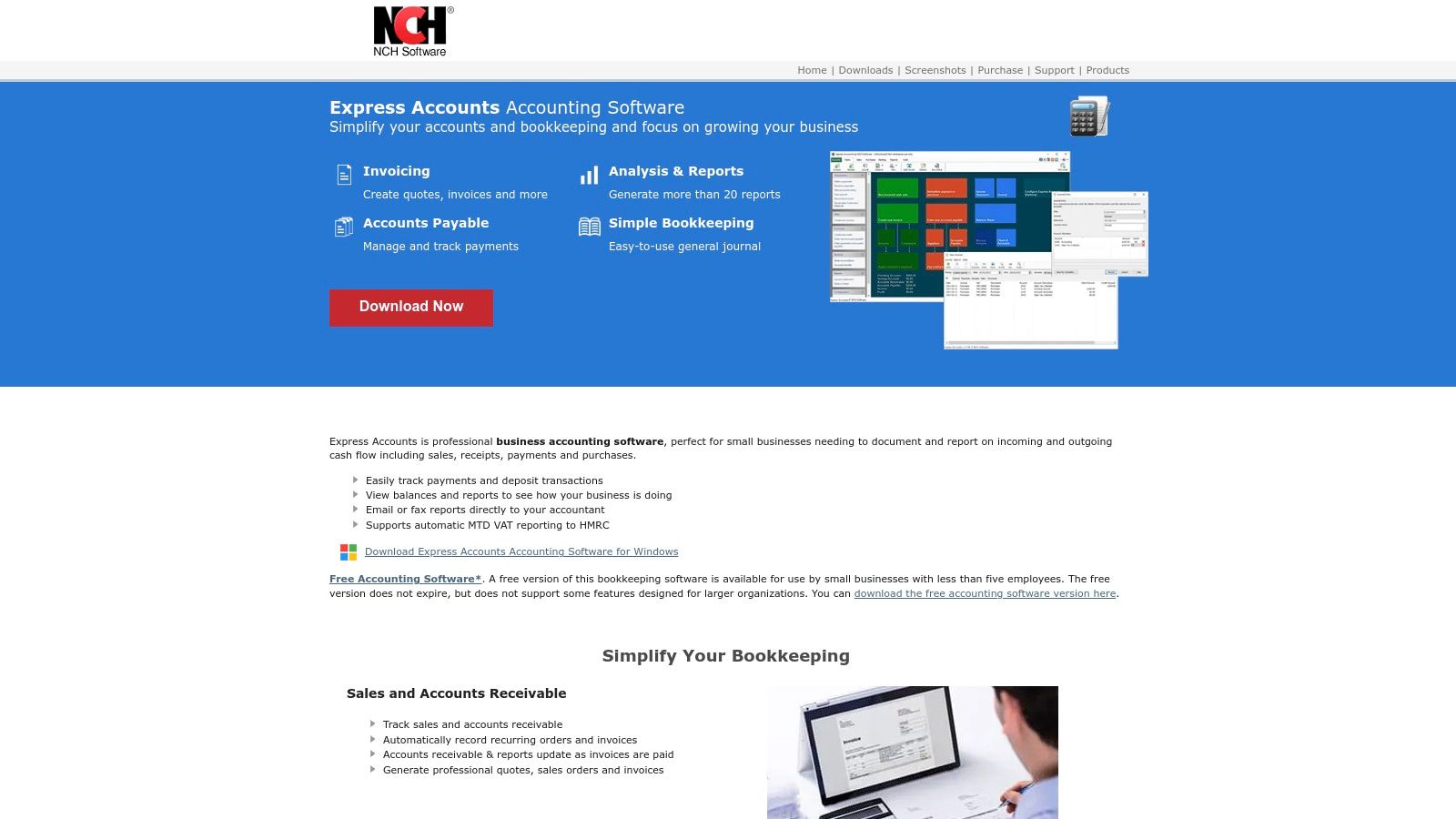
The software covers core accounting needs like managing accounts payable and receivable, generating quotes and invoices, and producing essential financial reports. While its user interface feels dated compared to modern cloud suites, its familiarity can be a plus for users accustomed to classic desktop applications. This makes it one of the more traditional choices for the best free accounting software for nonprofits who prefer an offline solution.
Key Features & Limitations
Cost: A free version is available for businesses with fewer than five employees. The distinction between the free trial and the permanently free version can be confusing, so users should ensure they download the correct one.
Best For: Very small nonprofits or churches that require a simple, offline desktop solution and have straightforward bookkeeping needs.
Fund Accounting: The software does not include native fund accounting. A workaround using the chart of accounts is possible but requires manual effort and is not suitable for organizations managing multiple restricted grants or donations.
Limitations: The user experience and feature depth are significantly behind modern cloud-based alternatives. It lacks integrations, remote access, and any specialized nonprofit reporting features, making it less scalable as an organization grows.
Website: https://www.nchsoftware.com/accounting/
8. OpenPetra
OpenPetra is an open-source administration suite built specifically for the operational needs of nonprofits and NGOs. As it is open-source, the software itself is free from licensing fees, making it a powerful contender for organizations needing more than just basic bookkeeping. It combines accounting with crucial nonprofit functions like donor management, gift receipting, and sponsorship management, offering an integrated solution that many generic platforms lack.
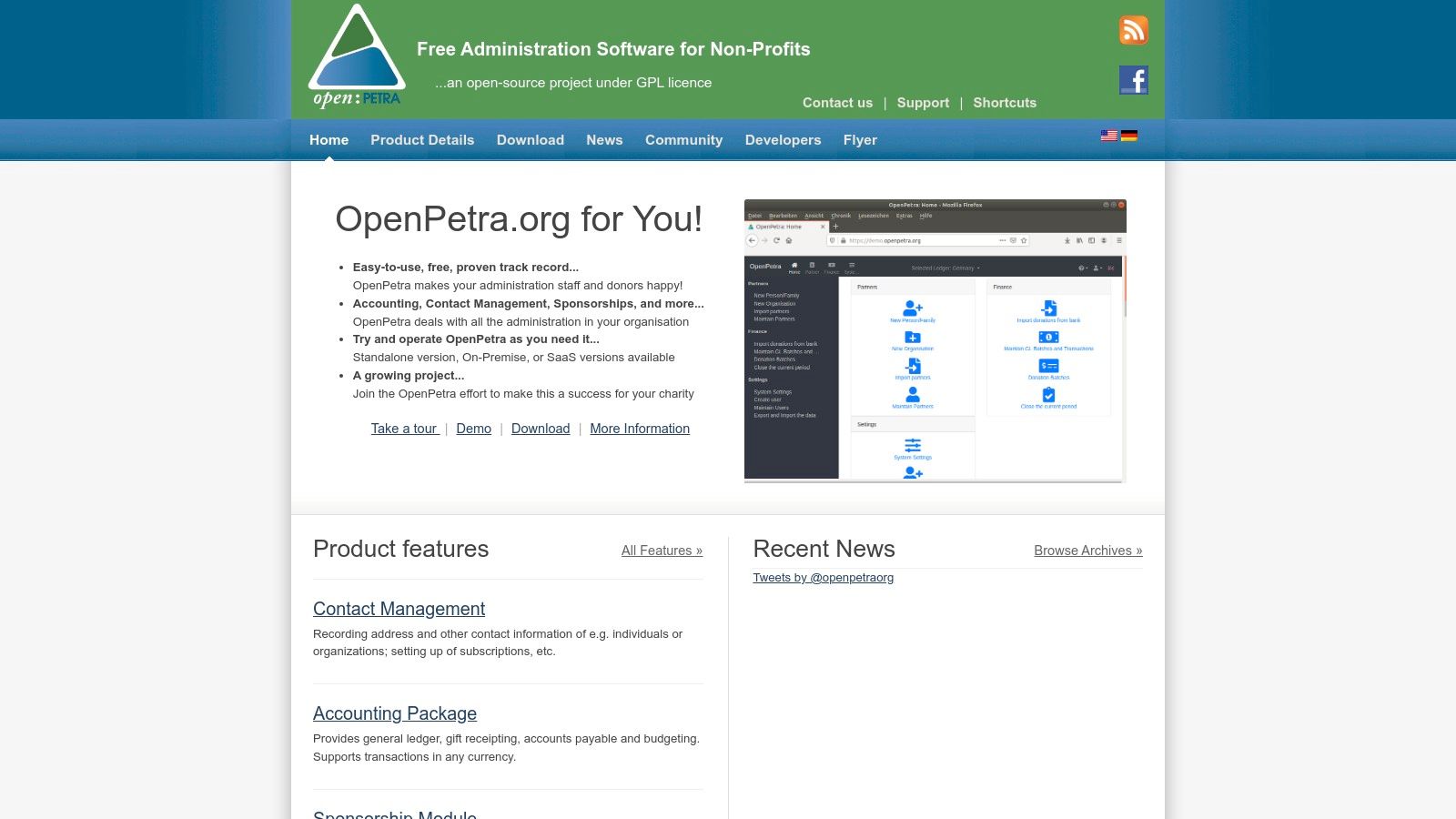
The platform is designed to handle complex nonprofit requirements, including multi-currency accounting, budgeting, and a general ledger. Unlike standard business software, its features are tailored for charity workflows from the ground up. This makes it a strong choice for nonprofits that need a unified system for both finances and fundraising but have the technical resources to manage an open-source product.
Key Features & Limitations
Cost: The software is free to download and use (GPL license). Costs are associated with self-hosting (server fees) or finding a third-party hosting provider.
Best For: Mid-sized nonprofits or those with access to IT expertise who need an integrated accounting and donor management system without software license costs.
Fund Accounting: Built with nonprofit structures in mind, it handles financial data in a way that aligns with fund and donor management principles.
Limitations: Being open-source, it requires technical skill to install, maintain, and update if you self-host. It has fewer turnkey integrations with third-party apps compared to major commercial SaaS products, and community-based support can be less immediate than dedicated paid support.
Website: https://www.openpetra.org/
9. ERPNext (Frappe/ERPNext)
ERPNext stands apart as a full-fledged, open-source Enterprise Resource Planning (ERP) system, not just an accounting tool. For nonprofits needing to manage more than just finances, such as inventory, projects, or donor relationships (CRM), it offers an incredibly powerful and integrated solution. The core software is completely free if you have the technical ability to host it yourself, making it one of the most comprehensive free accounting software for nonprofits that require an all-in-one operational hub.
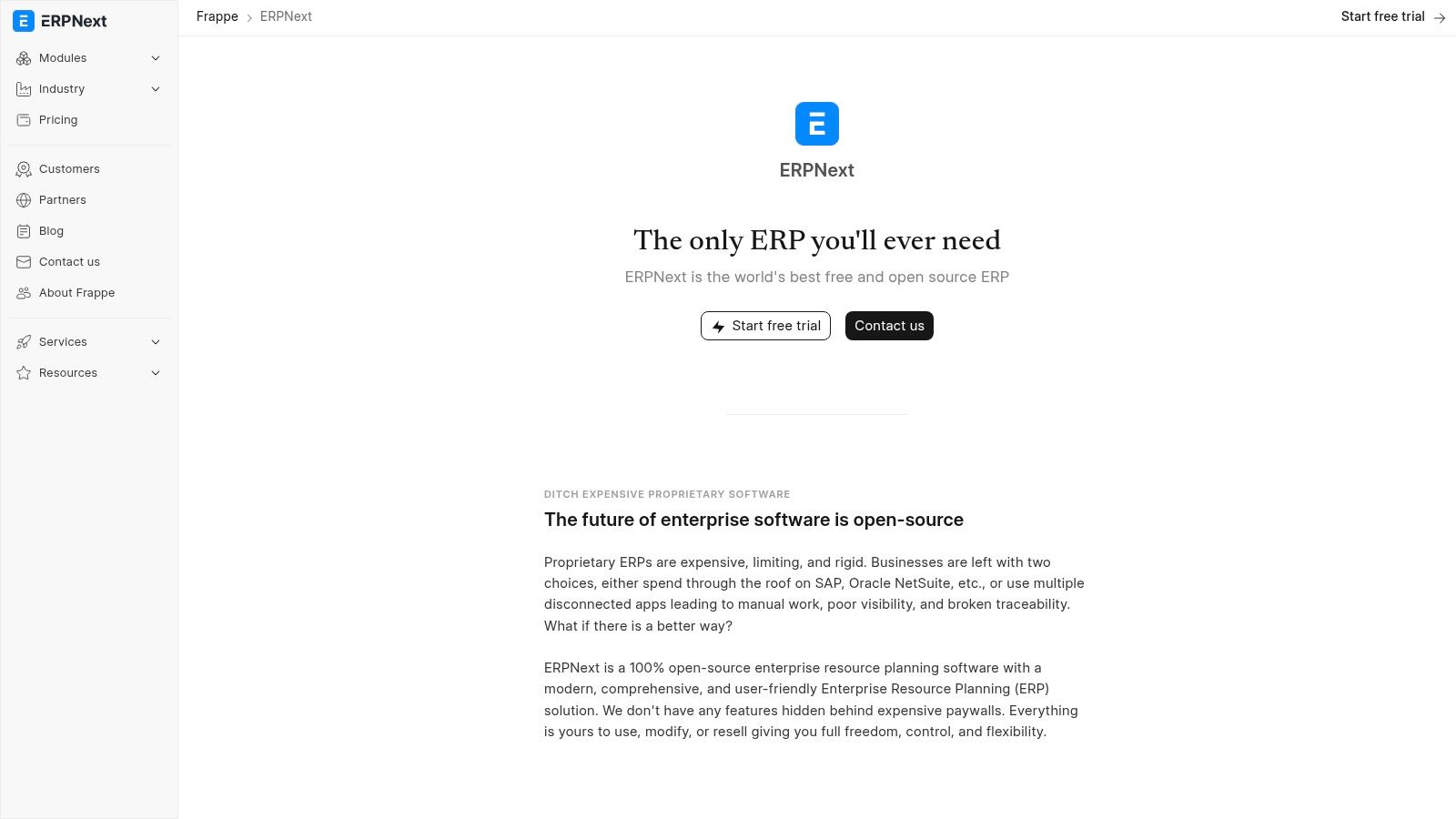
While the platform is built for general business use, its customizable nature allows for adaptation to nonprofit needs. You can configure the chart of accounts for fund tracking, and its project management modules are excellent for managing grant-funded initiatives. The main challenge is that achieving true nonprofit-specific reporting, like a Statement of Functional Expenses, will likely require customization or the use of community-developed modules.
Key Features & Limitations
Cost: The software is 100% free and open-source if self-hosted. Frappe Cloud offers affordable managed hosting starting at a low monthly cost, removing the technical burden.
Best For: Tech-savvy or larger nonprofits that need a single system to manage accounting, CRM, inventory, and project management and are willing to invest time in setup and customization.
Fund Accounting: No native fund accounting. It requires significant manual setup using dimensions, cost centers, or custom fields, making it more complex than dedicated nonprofit software.
Limitations: The platform has a steep learning curve compared to simpler bookkeeping tools. Nonprofit-specific features are not included out-of-the-box and depend on customization or community add-ons.
For organizations needing to track expenses by program, a crucial part of nonprofit accountability, understanding functional allocation is key. You can explore a guide to the statement of functional expense to see how these reports work.
Website: https://frappe.io/erpnext
10. TechSoup
TechSoup isn't a software platform itself but rather a vital marketplace that no nonprofit should overlook. It acts as a bridge, connecting verified 501(c)(3) organizations with donated or heavily discounted software from major technology companies. While not offering a single free product, it provides access to premium accounting tools like QuickBooks Premier or Advanced at a fraction of the retail cost, making it an essential resource when free options are no longer sufficient.
For nonprofits that have outgrown the limitations of free software but still operate on a tight budget, TechSoup is the logical next step. It allows organizations to acquire robust, feature-rich accounting systems, including those with dedicated fund accounting and advanced reporting, for a small administrative fee. This makes it one of the most cost-effective ways to upgrade your financial management capabilities. The verification process ensures these offers are exclusively available to eligible nonprofits.
Key Features & Limitations
Cost: Not free, but offers deeply discounted software. Nonprofits pay a small administrative fee to TechSoup to access donated or discounted licenses from vendors like Intuit (QuickBooks) and Microsoft.
Best For: US-based 501(c)(3) nonprofits that need more powerful features than free software provides but cannot afford full-priced commercial subscriptions.
Fund Accounting: The availability of fund accounting depends entirely on the specific software product you acquire through the platform (e.g., QuickBooks Premier Nonprofit Edition has it).
Limitations: The offerings are discounted, not free. The selection varies, and a one-time eligibility verification process is required before you can access any products. Fulfillment is predictable but not always instant.
Website: https://www.techsoup.org/
11. Capterra (Nonprofit Accounting Software category)
Capterra isn't accounting software itself, but a comprehensive software directory that serves as an invaluable research tool. Its dedicated nonprofit accounting software category allows organizations to compare dozens of options in one place, making it a crucial first step in finding the right solution. By applying the "Free" or "Free Trial" filters, treasurers can quickly generate a list of potential candidates to investigate further.
The platform's primary strength is the sheer volume of verified user reviews and ratings, which provides candid insights into a tool's real-world performance and customer support quality. This crowdsourced feedback helps nonprofits look beyond marketing claims to understand the true pros and cons of each platform. It’s an efficient way to discover new or niche software that might not appear in other roundups.
Key Features & Limitations
Cost: The service is completely free for users to browse, compare, and read reviews.
Best For: Nonprofits in the research phase looking to build a shortlist of potential free or low-cost accounting tools and compare them based on user feedback.
Fund Accounting: N/A. Capterra is a directory; you can filter for software that includes fund accounting, but it does not provide the feature itself.
Limitations: You must be diligent in verifying pricing on the vendor’s actual website, as "free" listings can sometimes be limited-time trials. Sponsored placements can also influence which software appears at the top of the list, so it's wise to sort by other factors like "Highest Rated."
Website: https://www.capterra.com/nonprofit-accounting-software/
12. G2 (Nonprofit Accounting Software category)
While not a software provider itself, G2 is an essential research hub for any nonprofit exploring accounting options. Its dedicated "Nonprofit Accounting Software" category serves as a powerful aggregator of user reviews, allowing organizations to see how different platforms perform in real-world scenarios. This makes it a crucial step in finding the best free accounting software for nonprofits, as you can filter results to see tools that offer a genuinely free plan versus just a limited-time trial.
The platform’s strength lies in its comparative data and unfiltered user sentiment. You can compare features side-by-side and read detailed reviews that often highlight specific pros and cons relevant to nonprofit operations. This insight helps you validate marketing claims and understand the true limitations of a free tier before committing.
Key Features & Limitations
Cost: Access to reviews and comparison tools is completely free for users.
Best For: Nonprofits in the research phase looking for current, unbiased user feedback and feature comparisons across multiple software options.
Fund Accounting: N/A. G2 is a review platform, not accounting software, but you can filter and search reviews for mentions of "fund accounting" to gauge a product's capabilities.
Limitations: The "Free" filter can sometimes include products with free trials rather than permanently free plans, so you must verify pricing on the vendor's website. The platform is an aggregator, not a substitute for direct vendor evaluation.
For a deeper analysis of how G2's insights can inform your choice, you can see a detailed comparison in this guide on the best accounting software for nonprofit organizations.
Website: https://www.g2.com/categories/nonprofit-accounting-software
Top 12 Free Nonprofit Accounting Software Comparison
Product | Fund accounting & integrations ✨ | UX & maturity ★ | Target audience 👥 | Price/value 💰 | Standout / USP 🏆 |
|---|---|---|---|---|---|
Wave Accounting | No native fund accounting; US bank/payments integrations ✨ | ★★★ | Very small churches / nonprofits 👥 | 💰 $0 core; Pro paid for bank feeds | 🏆 True $0 core accounting + payments |
Zoho Books | No native fund; strong integrations & mobile ✨ | ★★★★ | Small nonprofits planning to scale 👥 | 💰 Free under revenue cap; low-cost upgrades | 🏆 Feature-rich at low cost |
ZipBooks | No fund accounting; basic bank & payments (1 connection) ✨ | ★★★ | Very small / starter churches 👥 | 💰 Free Starter; paid automation tiers | 🏆 Very easy to start |
GnuCash | No fund templates; double-entry desktop with OFX/QIF import ✨ | ★★★ | Offline-first, tech-savvy volunteers 👥 | 💰 Free (open-source) | 🏆 Full control & offline double-entry |
Akaunting | No native fund; extensible via apps & self-host option ✨ | ★★★ | Self-hosting nonprofits / privacy-focused 👥 | 💰 Free self-host; paid cloud/apps | 🏆 Extensible app marketplace |
Manager.io | No fund accounting; powerful desktop + optional cloud ✨ | ★★★★ | Organizations wanting free desktop UX 👥 | 💰 Free desktop; cloud/server paid | 🏆 Broad free functionality |
NCH Express Accounts | No fund accounting; basic invoicing & reports ✨ | ★★ | Small churches needing quick desktop start 👥 | 💰 Free-to-try basic edition | 🏆 Familiar, fast setup |
OpenPetra | Designed for nonprofits: GL + gift receipting & sponsorship ✨ | ★★★ | Nonprofits/churches needing donor accounting 👥 | 💰 Open-source; hosting options | 🏆 Built specifically for nonprofits |
ERPNext (Frappe) | Full ERP w/ accounting modules; customization for funds ✨ | ★★★★ | Larger churches/multisite with IT support 👥 | 💰 Self-host $0 license; managed hosting paid | 🏆 Full open-source ERP breadth |
TechSoup | Channel for discounted/licensed accounting tools ✨ | ★★★ | US 501(c)(3) nonprofits seeking discounts 👥 | 💰 Discounted or donated licenses (varies) | 🏆 Trusted source for nonprofit discounts |
Capterra | Directory to discover nonprofit accounting & free tiers ✨ | ★★★ | Decision-makers researching options 👥 | 💰 Free to use; vendor pricing varies | 🏆 Fast discovery & comparisons |
G2 | Review platform with nonprofit category & 'Free' filters ✨ | ★★★ | Buyers seeking user reviews & sentiment 👥 | 💰 Free directory; verify vendor offers | 🏆 Robust user reviews & comparative insights |
Beyond Free: When to Invest in Purpose-Built Accounting
We've explored a comprehensive list of the best free accounting software for nonprofits, from the user-friendly interfaces of Wave and Zoho Books to the powerful, open-source capabilities of GnuCash and ERPNext. These tools provide incredible value, especially for new and small organizations needing to establish sound financial practices without a significant upfront investment. They can effectively manage basic bookkeeping, track income and expenses, and generate standard financial reports.
For a church plant or a small ministry just starting out, a free tool is a lifeline. It allows you to build a transactional history, understand your cash flow, and maintain basic compliance. However, as your ministry grows in complexity, so do your financial management needs. The initial benefits of a "free" system can quickly be overshadowed by the hidden costs of manual workarounds and administrative friction.
Recognizing the Limits of Free Software
The primary challenge with generic, free accounting software is its inherent lack of true fund accounting architecture. While you can use classes, tags, or chart of accounts gymnastics to simulate fund tracking, these methods are often cumbersome and prone to error.
Consider these critical questions about your current process:
How much time do you spend in spreadsheets? If you are exporting data to manually track restricted fund balances, designated giving, and donor intent, your software is creating more work, not less.
Can you generate a Statement of Financial Position by fund with one click? Accurate, real-time reporting is essential for confident decision-making and transparent stewardship. Struggling to produce these reports is a major red flag.
Are you worried about compliance and accuracy? The risk of misallocating a restricted donation increases with every manual adjustment and spreadsheet formula. This can lead to compliance issues and erode donor trust.
Does your software integrate with your giving platform? A lack of direct integration means manual data entry, which is not only time-consuming but also a primary source of financial errors.
If these challenges resonate with you, it’s a clear signal that your organization is outgrowing the capabilities of generic, free software. The time your team spends wrestling with software limitations is time that could be dedicated to advancing your mission.
Making the Strategic Leap to a Specialized Solution
Transitioning from a free system to a purpose-built nonprofit accounting platform is not an expense; it's a strategic investment in your ministry's operational health and long-term sustainability. The goal is to move from simply tracking transactions to achieving true financial clarity and confidence.
Purpose-built systems are designed with the unique language of nonprofits and churches in mind. They don't just accommodate fund accounting; they are built around it. This fundamental difference automates processes that are manual and difficult in generic systems. Transactions are correctly coded from the start, reports are accurate and immediate, and integrations with giving platforms flow seamlessly.
This shift empowers church leaders, treasurers, and boards with the clear, fund-level data needed to make informed strategic decisions. It ensures that every dollar is accounted for according to its designated purpose, honoring donor intent and strengthening the integrity of your stewardship. While the best free accounting software for nonprofits offers a fantastic starting point, knowing when to graduate to a tool designed specifically for your needs is a hallmark of wise financial leadership.
Ready to eliminate spreadsheets and gain true confidence in your church's finances? Grain is built from the ground up for the unique fund accounting needs of ministries, providing the clarity and automation that free software can't. Join the waitlist for Grain and take the next step toward effortless financial stewardship.